
Track usage and spend
See your plan credit, what each product and project costs, and your invoices.
Your plan and credit
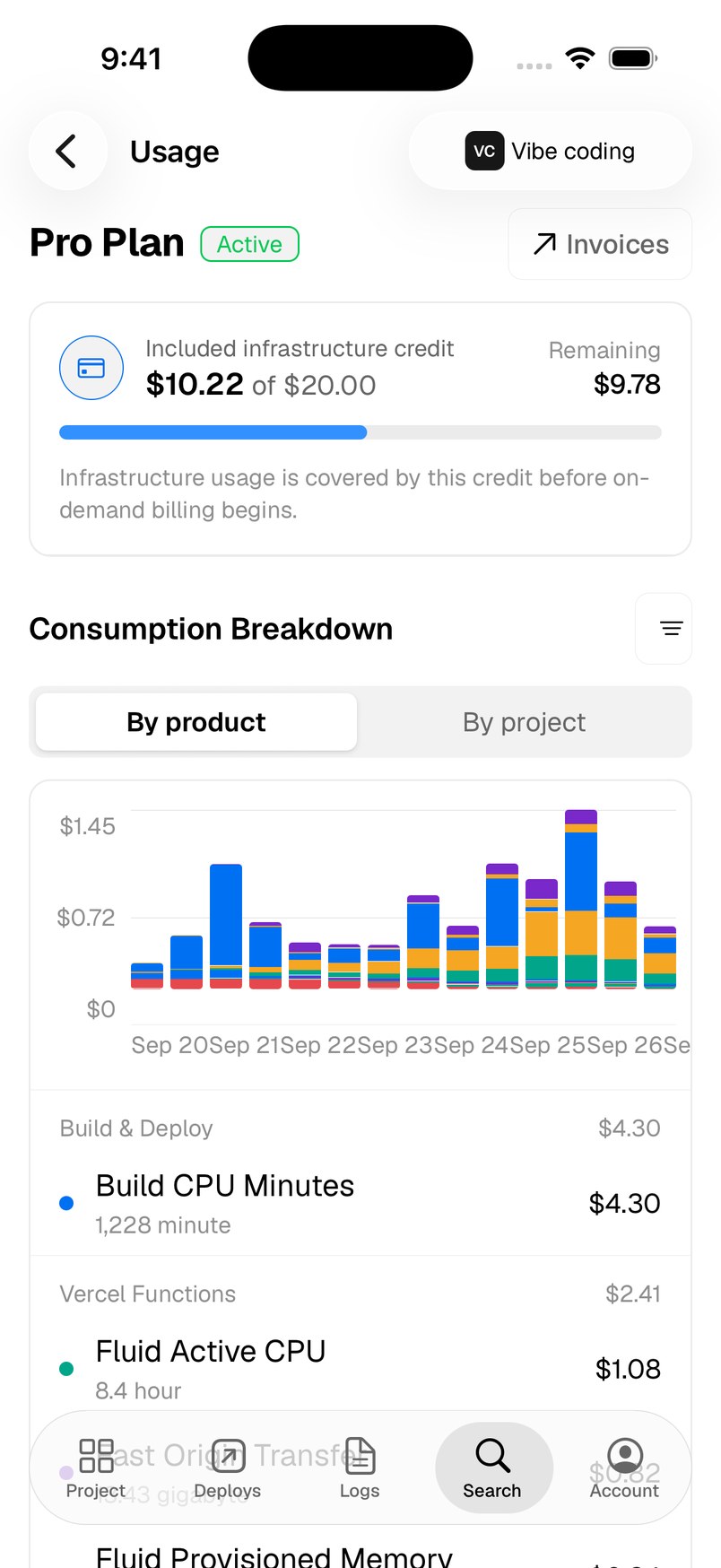
Open Usage from the Team Overview or add it to your tabs. It works per team, so pick a team first. The top card shows your plan and how much of the included infrastructure credit is left.
Consumption breakdown
Switch between By product and By project to see where the money goes, with a daily chart. The Billing Summary adds up licenses, infrastructure, credits applied and the total.
Filters
Tap the filter button to choose the Current billing cycle, the Past 7 days or a Custom date range, narrow to one product, or Hide zero-cost rows.
Invoices
Tap Invoices on the plan card for past invoices and an estimate of the next one.
Need more help?
Ask on the feedback board or email support@vercat.dev.
Last updated
