
Customize your tabs
Choose the three screens in your tab bar, and find everything else with Search.
How tabs work
The tab bar has five slots. You choose the first three; Search and Account always stay fourth and fifth. New installs start with Project, Deploys and Logs. Swipe sideways to move between tabs.
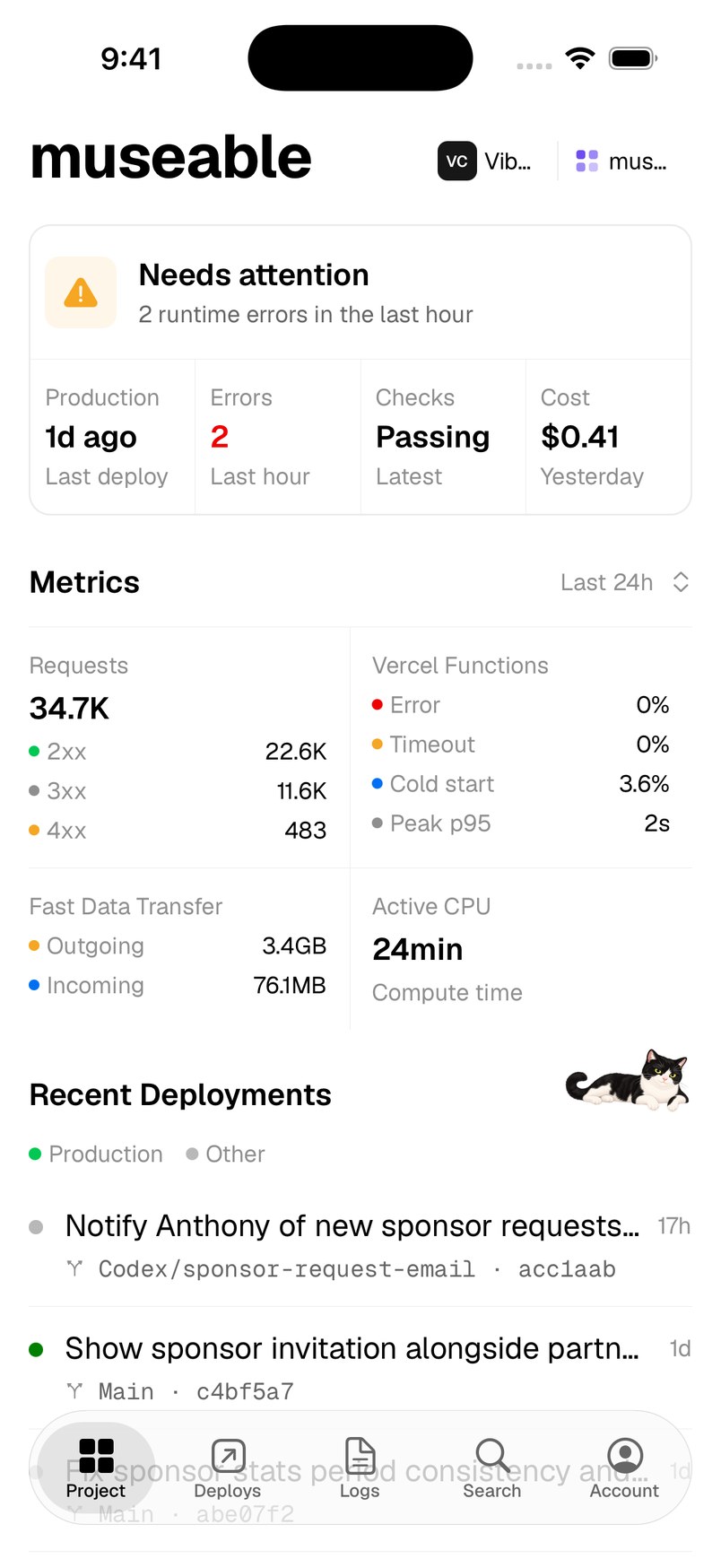
You can put any of these in a slot: Project, Deploys, Logs, Env, Usage, Domains, Crons, CI and Activity.
Change a tab
- Open Account → Settings → Customize tabs.
- Tap SLOT 1, SLOT 2 or SLOT 3.
- Choose the screen you want there.
Search for everything else
Screens that are not in your tab bar are one search away. In Search, the PAGES section also reaches Storage, Alerts, Feature Flags, Web Analytics, Invoices, Notifications and Team Management.
Need more help?
Ask on the feedback board or email support@vercat.dev.
Last updated
