
Redeploy, promote or roll back
The deployment actions you can take from your phone, and when each one appears.
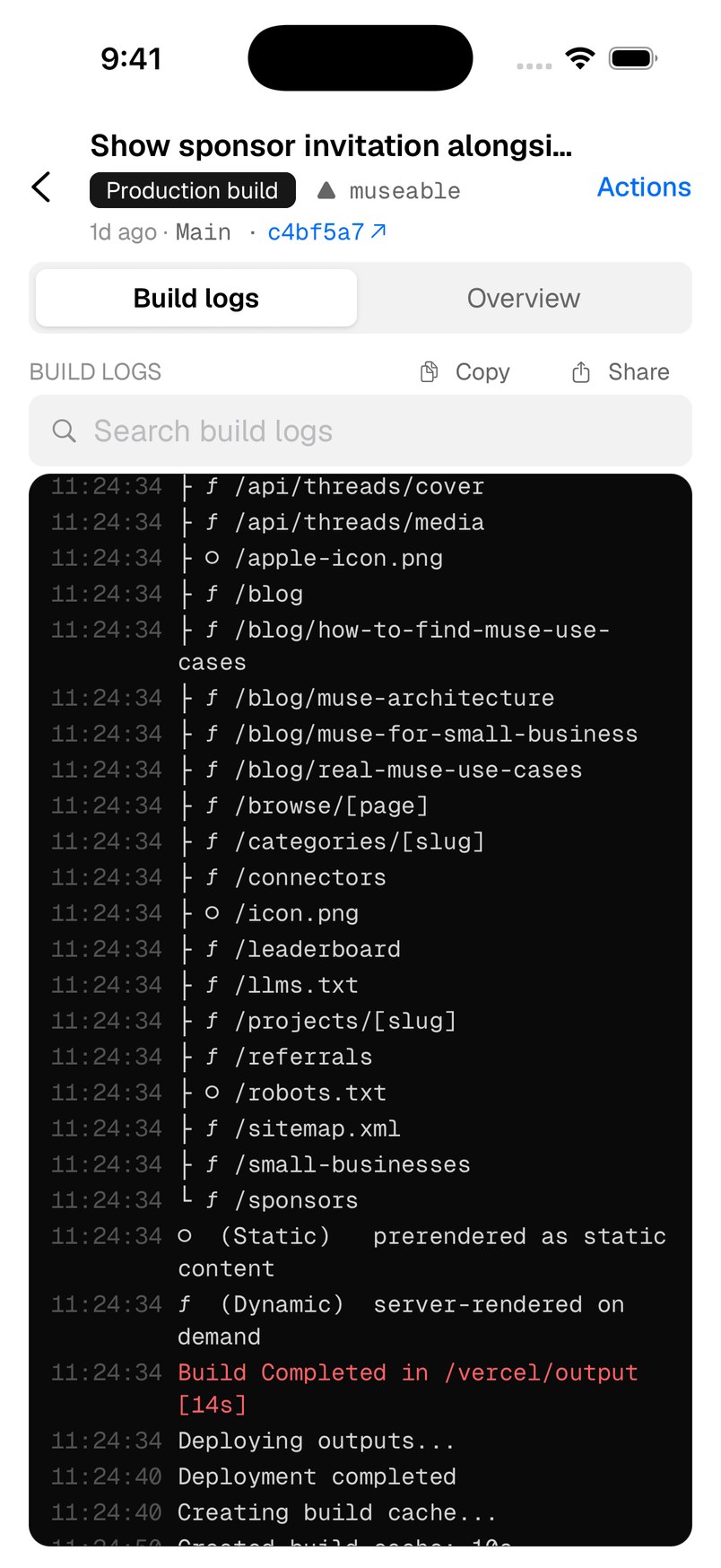
Open the actions
- Open a deployment.
- Tap Actions in the top-right corner. It only appears when there is something you can do.
- Choose an action. Vercat always asks you to confirm, and Not now backs out.
Which actions you see
- Cancel deployment: while a build is running. This cannot be undone.
- Redeploy to …: on a failed or canceled build, or a finished one. It rebuilds the commit with the environment’s current settings.
- Promote to production: makes a preview or staged build the live one.
- Set production to this commit: routes production back to an earlier production deployment.
- Assign … domain to this commit: for custom environments, points the environment’s domain at this deployment without rebuilding.
Roll back production
- In Deploys, choose Production and open the last deployment that worked.
- Tap Actions → Set production to this commit, then Set production.
After a rollback, Vercel holds new production builds back until you promote one. When your fix is ready, open it and use Promote to production.
Need more help?
Ask on the feedback board or email support@vercat.dev.
Last updated
